Menu
HomeDownloadFeaturesAboutCommunityFAQ
DiscordYouTube
Download

Get CS Launcher Plus

Free, no ads. Choose the version for your device — your account, profiles and worlds work the same on both.

Mobile · Android

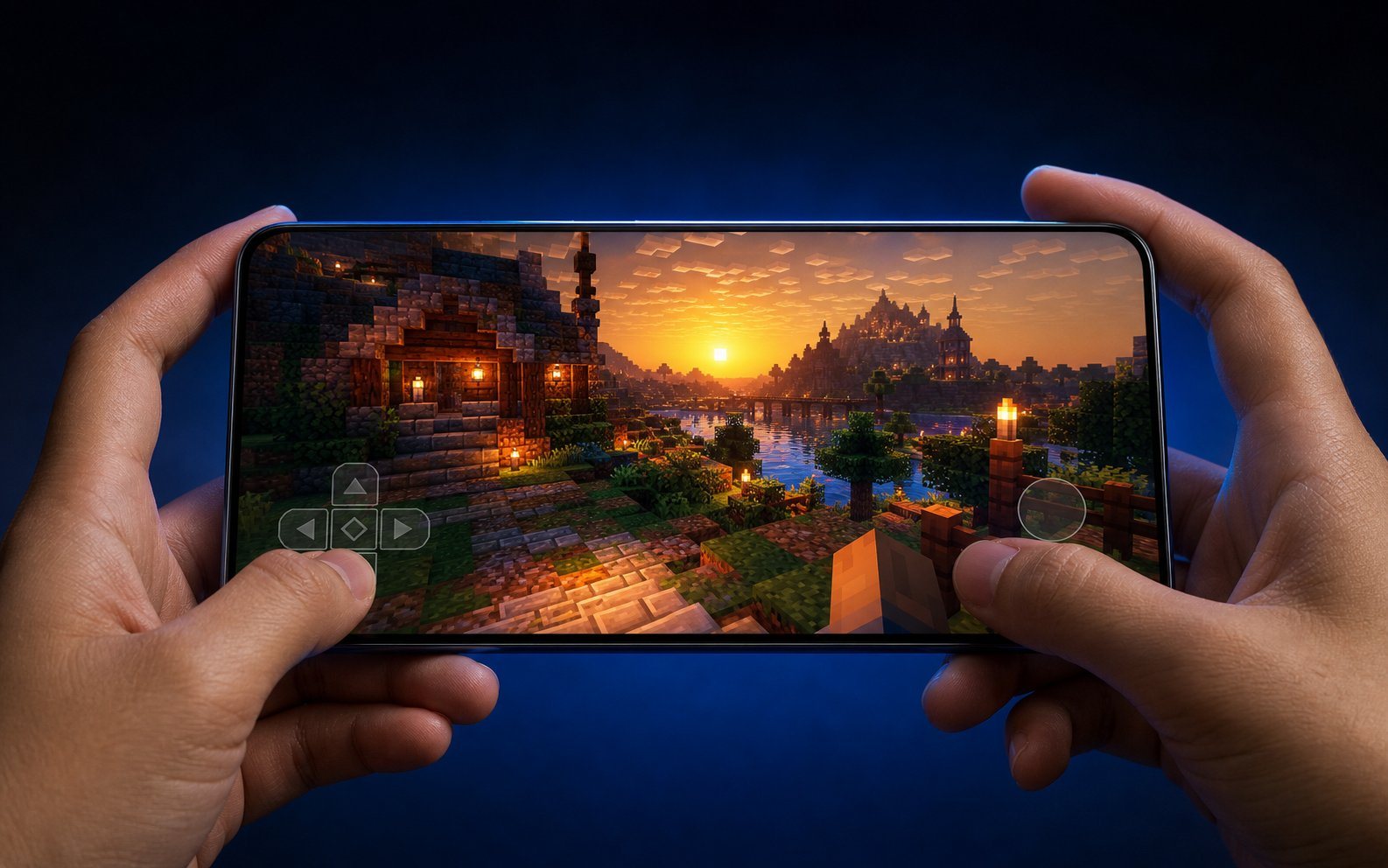
The full launcher for phones and tablets. Touch controls you can fully customise, gamepad and mouse/keyboard support, every mod loader built in.

AvailableAndroid 5.0+ARM64 · ARM · x86_64APK
  • Mods & modpacks from Modrinth and CurseForge, installed in-app
  • Custom control layouts, on-screen keyboard & mouse, controller mapping
  • Virtual LAN (beta) — join a friend's LAN world over the internet
  • Microsoft, Ely.by and offline accounts · 3D skin preview

A Minecraft: Java Edition account is required for online play. Allow installs from unknown sources when Android asks.
Advertisement
How it works

From download to first block in minutes

1

Download & install

Get the APK, allow "unknown sources" if Android asks, and open the launcher.

2

Sign in

Add a Microsoft account to play online, or create an offline profile to start right away.

3

Create a profile

Choose a Minecraft version, optionally a mod loader, and browse mods or modpacks from inside the app.

4

Press Play

Files download once. After that the rocket takes off instantly — worlds and settings stay with each profile.

Need help?

We're on Discord

Installation problems, device questions or bugs — the community and the team answer fast.

Advertisement